Get Websites Moving with Motion Narrative
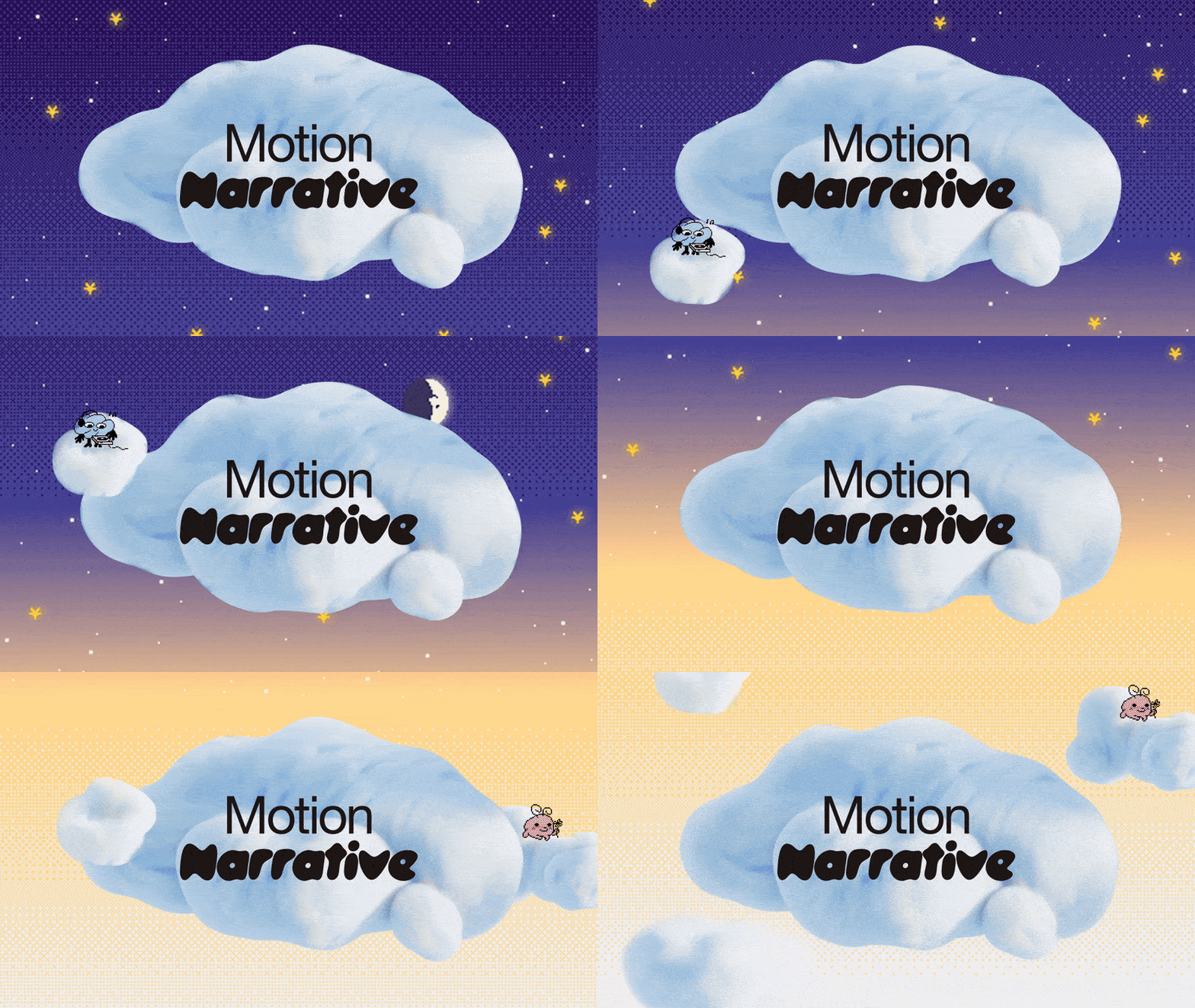
For audiences trained on TikTok and Reels, the basic hero image no longer cuts it. Static pages can come across as flat, dull, and dead. Luckily, Motion Narrative can bring them back to life in 2026. This web design trend is about more than simply dropping animations onto your site; it’s about employing a sophisticated, kinetic approach to digital storytelling. Movement-rich sites that lean into Motion Narrative deploy shifting type, evolving layouts, and interactive fields that come alive—all with the goal of communicating more effectively.
Longtime Circle partner and Squarespace Pro, Puno of ilovecreatives, worked with us to identify this and the other biggest design trends for 2026. Her team at ilovecreatives Studio is known for cutting-edge, motion-driven designs, and ilovecreatives offers a course on using movement and 3D animation in web design.
Motion Narrative looks impressive to clients and site visitors alike, and it’s well within your reach. In this piece, we’ll break down practical, tactical ways to implement moving, experiential stories on your pages using Squarespace’s built-in tools.
What Motion Narrative is (and why it matters)
Motion Narrative is about more than flash. It’s about putting motion’s special qualities to good use and letting movement tell a story.
There are a few tried-and-true ways to employ motion in your designs. Scroll-based animations help visitors unfurl the story at their own pace as they move down the page. Maybe water pours out of a pitcher in the hero section and into a glass below, or perhaps scrolling zooms the perspective from one space to another.
Layered depth can create the illusion of three-dimensional space by using pinned elements that move over and beneath other layers. Kinetic typography can turn text into a character with type that stretches, slides, bounces, and reacts. This technique can draw the eye to an important element, such as a call to action or key phrase.
When to use Motion Narrative
Motion Narrative is impressive, and it can be tempting to use it everywhere, but there’s a right and a wrong place for movement and animation. If you find yourself submitting invoices, sharing receipts, or writing FAQ answers riddled with 3D graphics, it’s time to scale back.
Motion Narrative is most at home with brands that are dynamic, contemporary, and maximalist. You can use motion to dial up texture and visual richness—the droplets of condensation sliding down the side of a cold glass—or to draw attention to critical fields, like a purchase button.
It’s a great fit for story-driven brands—creatives, studios, agencies, educators, course creators, as well as hospitality and real estate. And, while it’s a trend, it’s still surprising and fresh in the wild, making it a valuable differentiator.
There are also moments to limit Motion Narrative. Because motion can carry so much information, it can be overwhelming when it’s out of place. If a site is already info-heavy—particularly sites related to medical, legal, or highly technical industries—motion may tip things over the edge.
Pro tip: Consider accessibility and purpose in your choices. You don’t want to unwittingly create a challenging video game interface for a customer who’s trying to perform a simple action.
That said, you can also evoke restfulness and calm with slow, smooth, gentle movement.
The core principles of Motion Narrative
Communicate purposefully: Motion is information, not mere decoration. It can draw attention to something important, show cause and effect, indicate relationships between elements, and create micro-narratives. Keeping the goal of clear communication in mind will help you choose the right type of animation for each situation. There are also some finer points.
Don’t move everything: Motion is relative. One or two animated elements on an otherwise still page can make the whole thing feel dynamic. When everything moves, it can feel chaotic. When you employ multiple types of movement in one visual field, they should work together in a logical way.
Replace visual clutter instead of adding to it: In an ideal world, these animations are doing work that static elements used to do, which means you can simplify or remove those extras. Humans are wired to detect motion—a little goes a long way. Trust that if a menu item bounces slightly before settling, it will be noticed.
Think cinematically: With zooms, scrolls, and animations, you can move your viewer through space like a movie director. Think about when it’s useful to start with a wide shot and when it’s best to zoom into a detail. It may also be helpful to think in “scenes.” Remember that you’re trying to tell a story.
Keep it balanced: Motion is powerful, and it’s easy to overdo. Avoid constant, looping movements near dense text and give the eye places to rest. Limit simultaneous animations within one visual field; sequence them instead. Follow best practices so that your pages load quickly.
Implementing Motion Narrative on Squarespace
Animation may look impressive, but you don’t need custom code to implement Motion Narrative. Squarespace’s built-in pro tools make it possible to build motion-rich stories using some off-the-shelf options.
Start with site-wide animations
Site-wide animations offer several ready effects to set your site in motion. Content can fade, scale (zoom in), slide into place, clip (slide into view, line by line), or flex. The flex option can add versatile animations to headings, linked text, buttons, and portfolio pages.
Remember that Motion Narrative is more than simple animation. It’s about using these elements in a coordinated, cohesive, and narrative way. You can add custom section background art, including animations and videos. You can also add animations and effects to image blocks and sections. Think about creative ways to tie these effects to your client’s brand, or and to other moving elements on your site.
Go further with Finish Layer
With Finish Layer, you’ll have even more code-free leeway to animate your sites. The tools will enable interactive, highly customizable block animations like rotating, scaling, skewing, and offsetting.
Bring words to life with kinetic typography
With kinetic typography, you can reinforce the meaning of words with action. In client sites, one way to achieve Motion Narrative in your type animations is by thinking about what verbs associate strongly with their brand. A wellness brand’s text might rise or breathe, for instance.
Once you have some target words, think about how to creatively evoke those associations with the available animations. Words can stretch, bounce, or slide in rhythm. You can also customize scrolling blocks with options like wave effects. Remember that movement draws the eye, so use it to highlight intelligently and strategically.
Create layered depth
To create a sense of space, stack content in layers and think in terms of foreground, midground, and background. There are many ways to achieve this, which you can combine for maximum effect.
One option is to use movement to signal these layers. Objects close by appear to move quickly, like a housefly that’s too close for comfort, whereas objects in the distance appear to move slowly, like an airplane far away. With this in mind, a foreground graphic can scale or slide dramatically, while a midground element can subtly fade or shift. The background elements can remain still, or nearly still.
Another way to create or reinforce a sense of three-dimensionality is by creating layers that move together. Use pinned blocks so elements track along with the scrolling page. Think about ways to offset these pins creatively, or have certain elements pass in front or behind other elements to create a more spatial experience. One useful technique is to superimpose image blocks in surprising ways that reveal only when the user begins to scroll. For example, a pinned blue sky could appear to clear as the overlaid clouds move out of view.
Tailor your story to each device
The animations that work best may vary from device to device. On desktop, you have more space to play with. On mobile, you may have to simplify. Mobile-independent settings are coming soon and will make it possible to turn off or tone down certain animations so the site’s story remains legible on small screens. Learn more about updates to responsiveness on Squarespace.
Design stories that move
Motion Narrative is about turning static pages into living experiences. When used thoughtfully, page animations and kinetic elements can form narratives that are more than the sum of their moving parts. Motion directs attention, reveals or implies three-dimensional space, and sets the mood and energy. It can communicate information in a way that nothing else can.
With Squarespace’s built-in animations, kinetic type options, layered block layouts, and mobile-independent controls, you can write sophisticated narratives without custom code. Start small with some kinetic text, an animated element, or a scroll-based micro story, and consider how to tie it creatively to your brand. Used well, movement becomes an effective mode of communication: you can use it to create hierarchy, focus, and meaning—ideally in service of a story that stays with a visitor long after they leave.
Read about more 2026 trends in web design:
Which 2026 design trend matches your personality?
Want more?
Check out Squarespace Circle, Squarespace’s program for professional designers and web design agencies. Along with exclusive content, discounts, and other perks, Circle brings experts together from across the globe to exchange advice while connecting with new clients and collaborators.