
Sell on Squarespace
Learn everything you need to start selling products, services, and content with Squarespace.
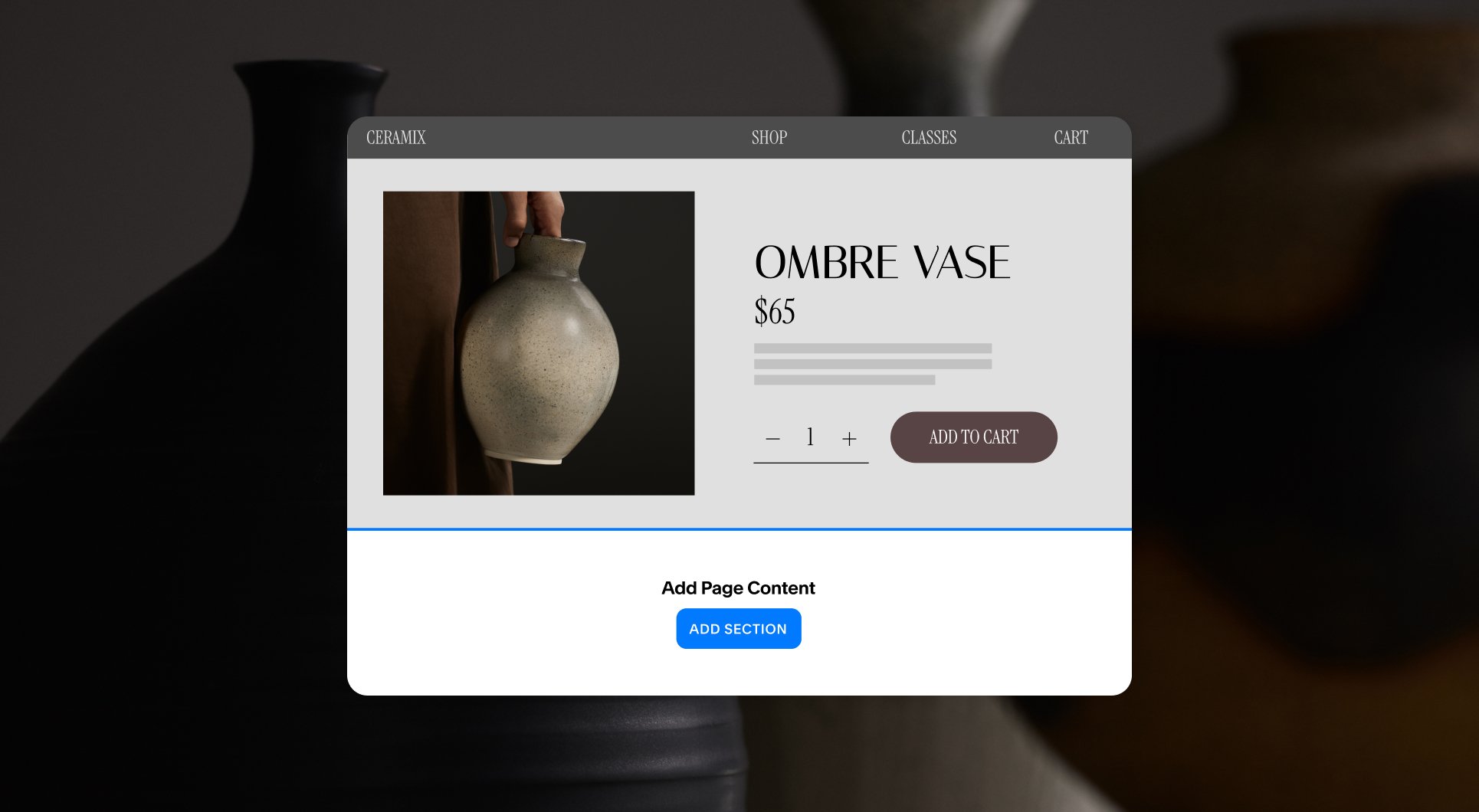
NEW MINI WEBINAR
Further customizing product or service pages
Learn how to merchandise product and service pages with custom content that adds depth, context, and consistency.

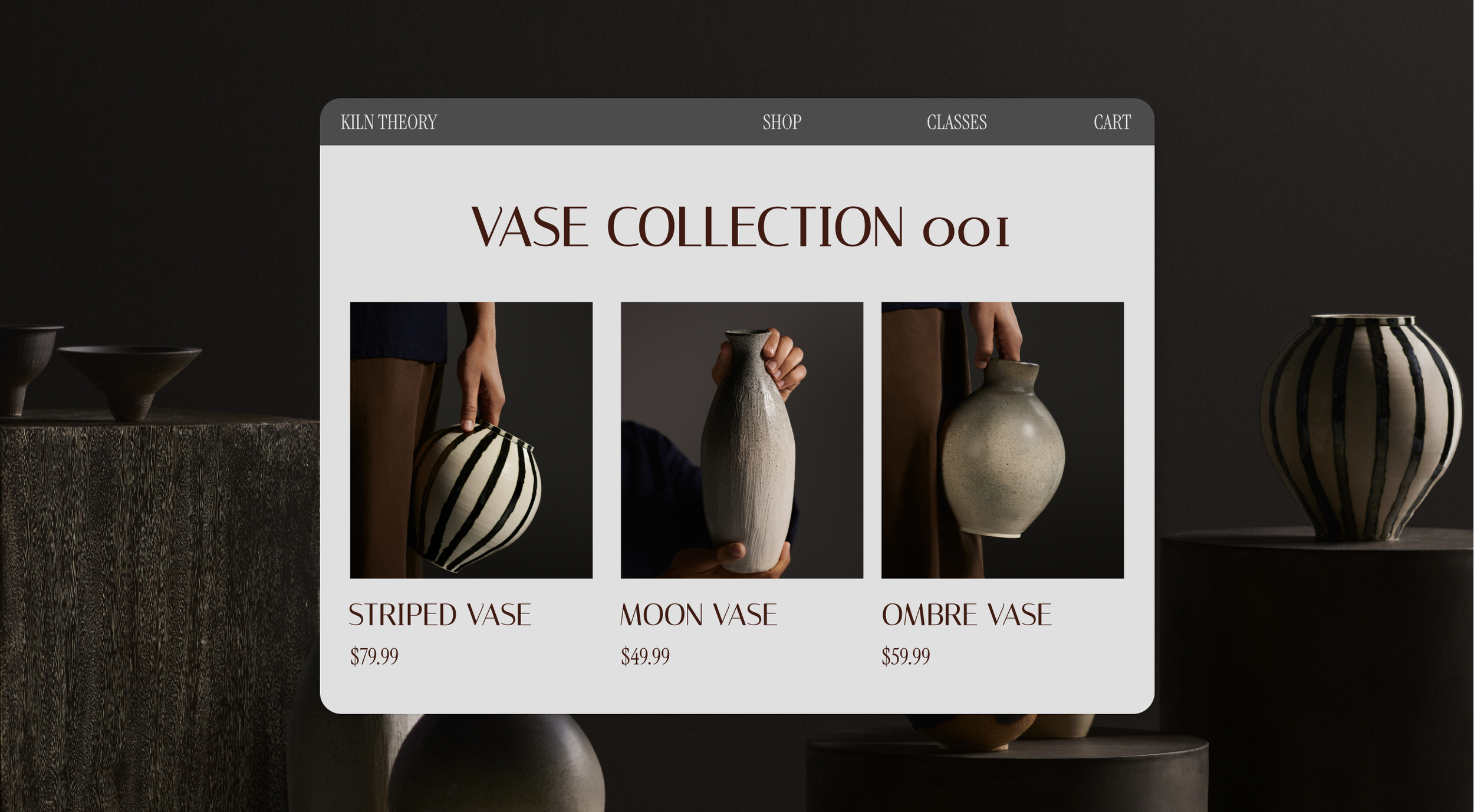
Getting started with your online store
The essential steps to set up an online store and start selling.
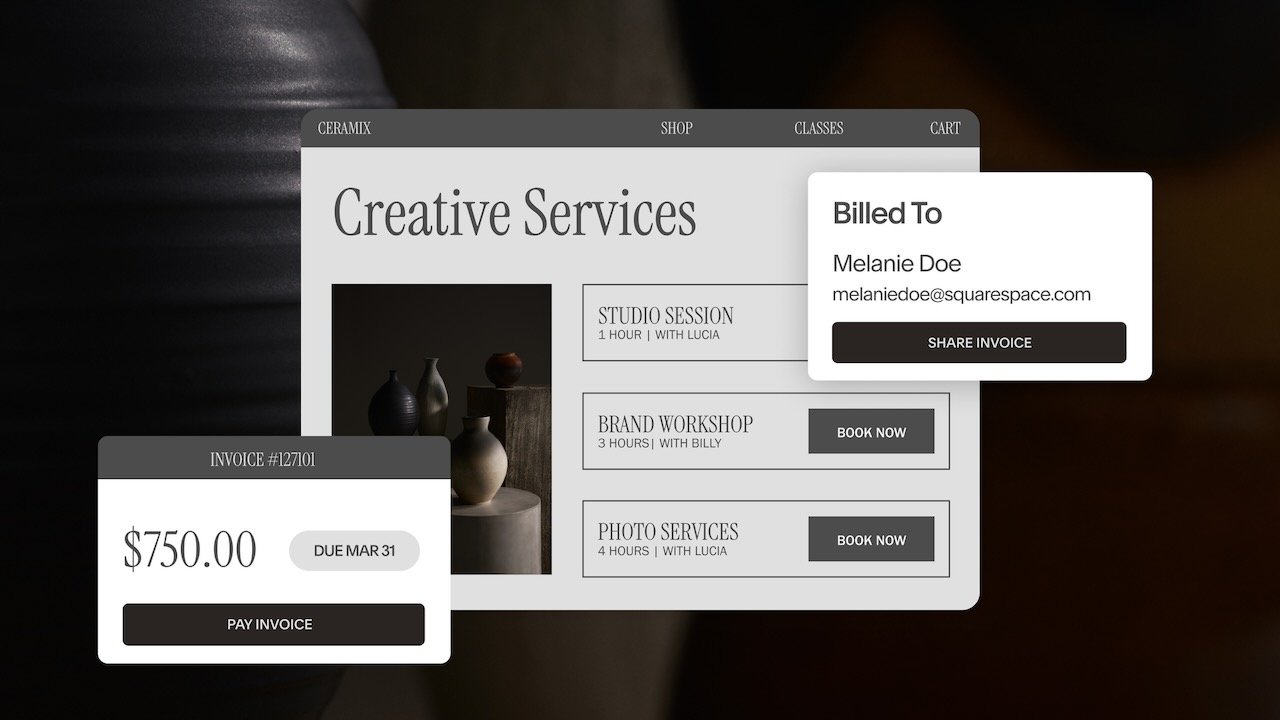
Q&A: Build a client journey that wins more business
A demo and Q&A on automating your client experience using our integrated suite of tools.
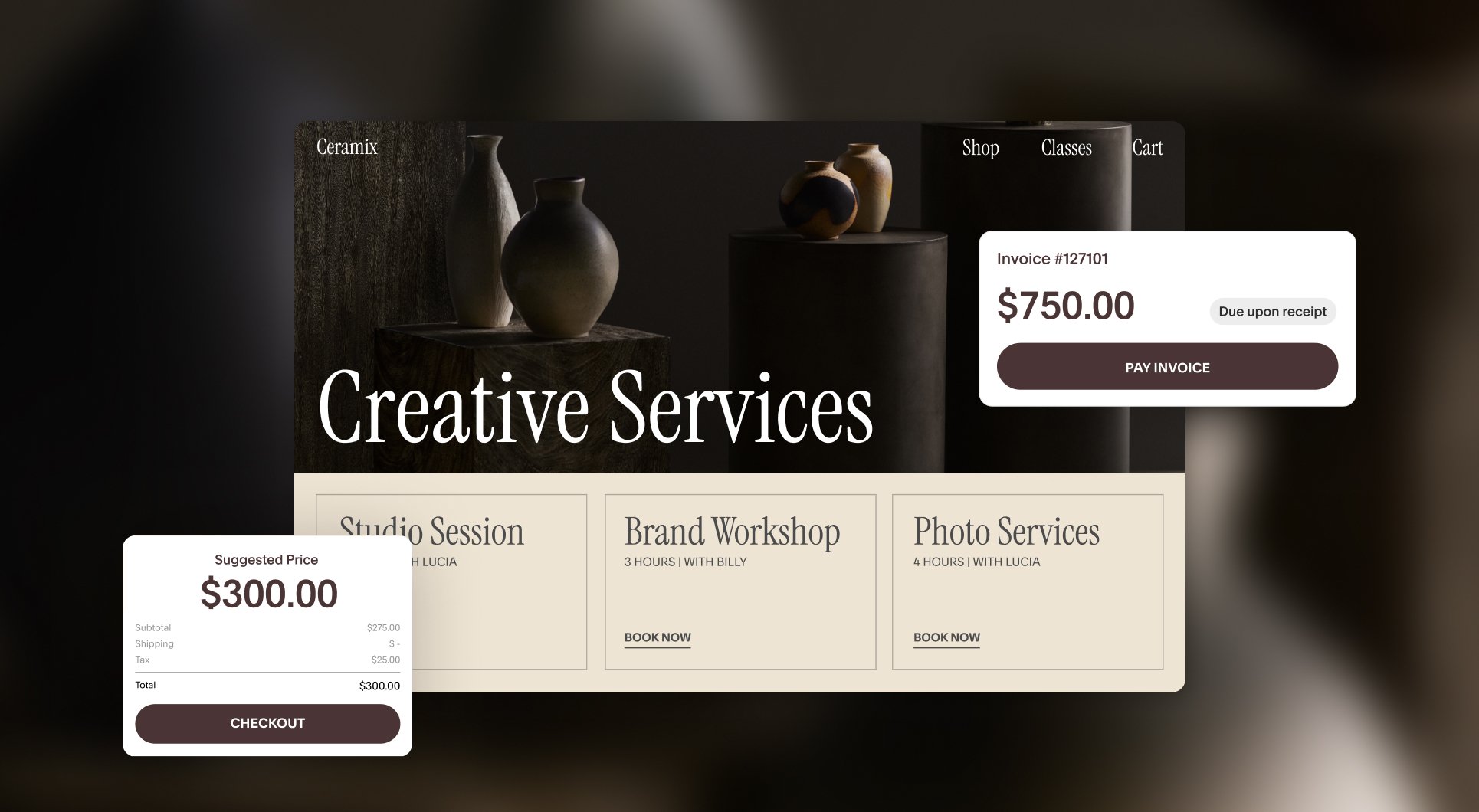
Get paid faster: Pay Links vs. invoices explained
We break down the differences between Pay Links and invoices and present use cases for both so you have the clarity to transact with confidence.
Further customizing product or service pages
Learn how to merchandise product and service pages with custom content that adds depth, context, and consistency.
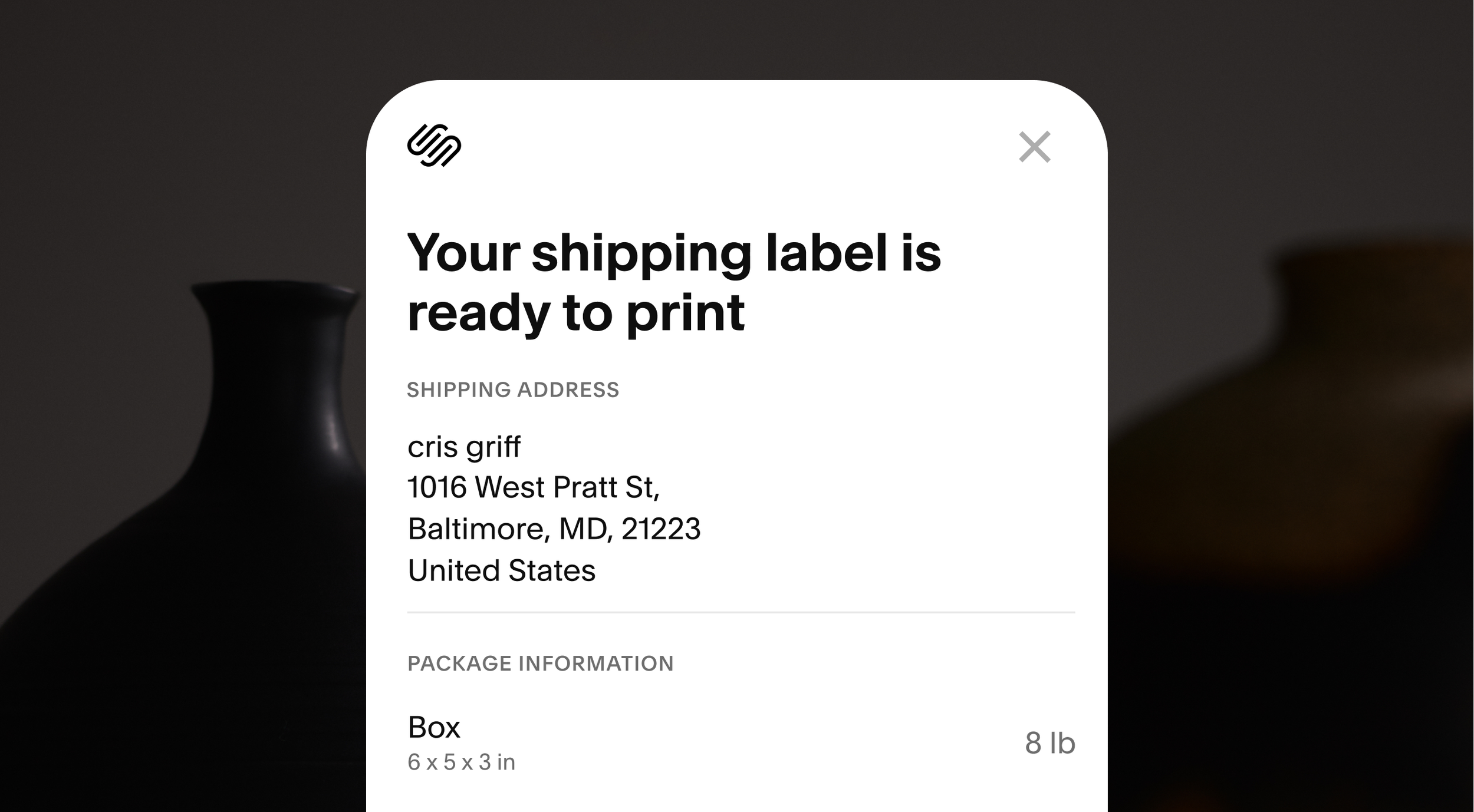
How to set up order fulfillment and tax rates for your store. Expert guidance on choosing the right shipping, local delivery, and pickup options.
Setting up shipping and taxes
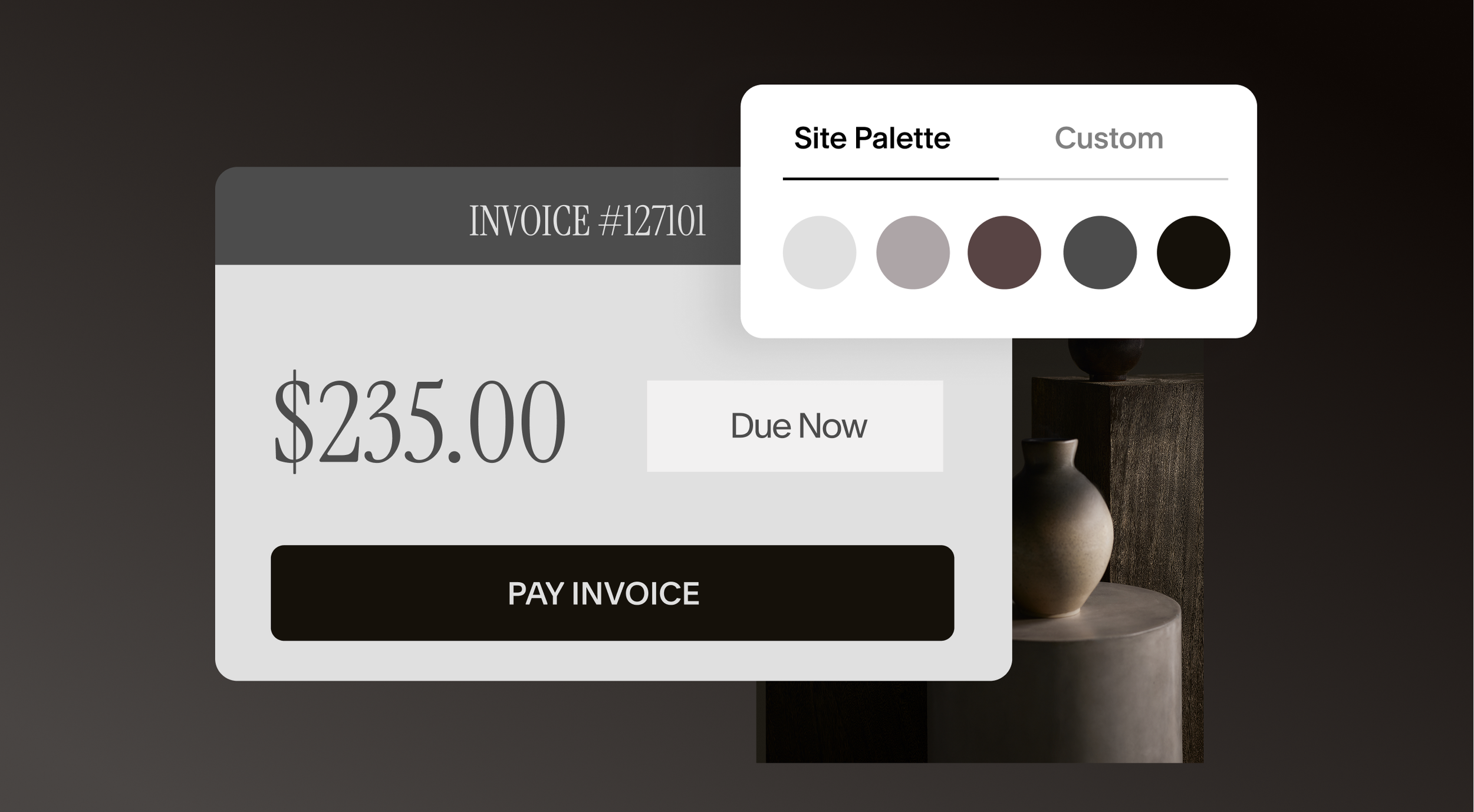
Design tips to increase your store’s sales
A deep dive into styling and merchandising tools to help customers navigate your store, encourage purchases, and make your products stand out.
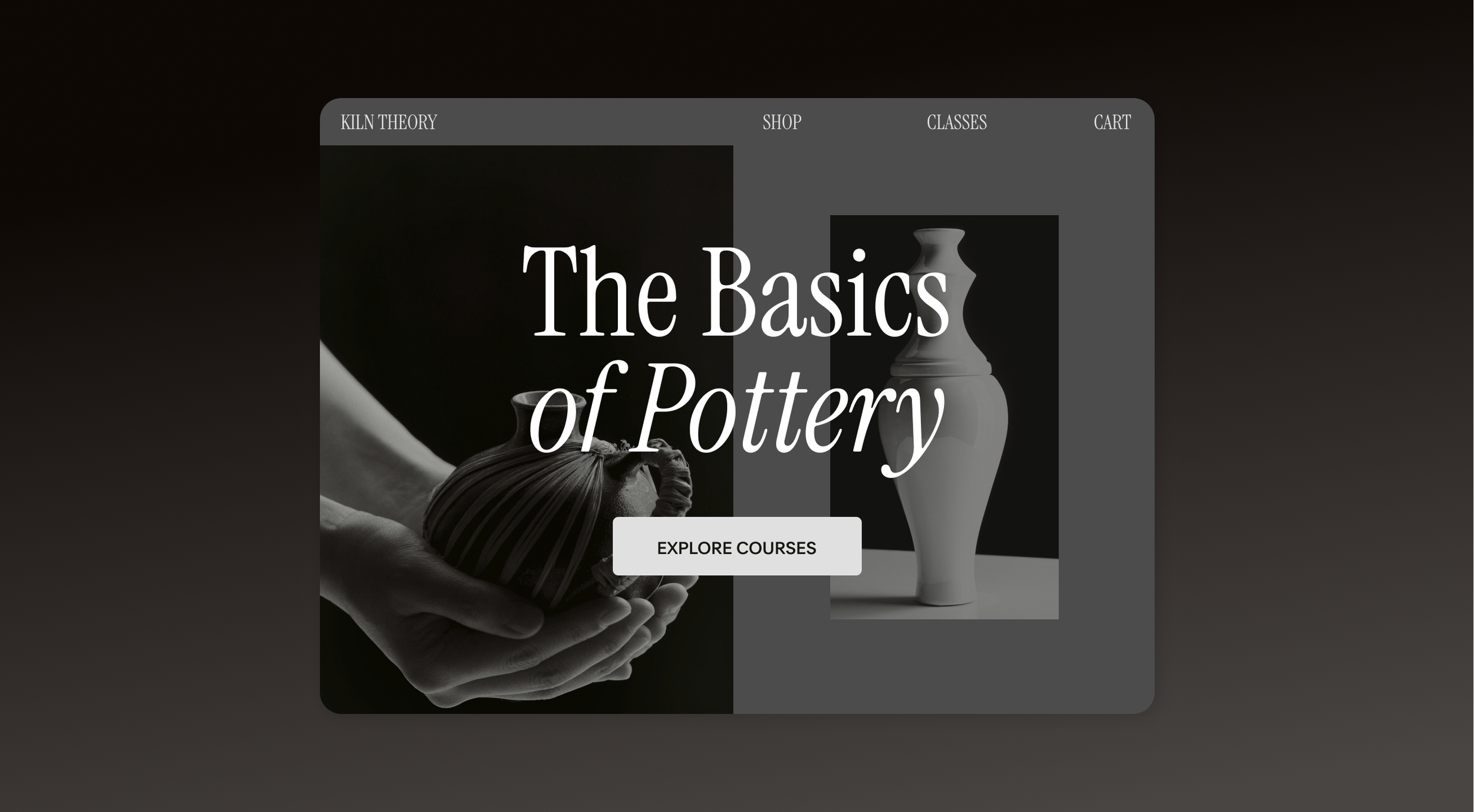
Ways to build an online curriculum, engage an audience, and earn passive revenue from your expertise with Squarespace Courses.
Create and sell online courses
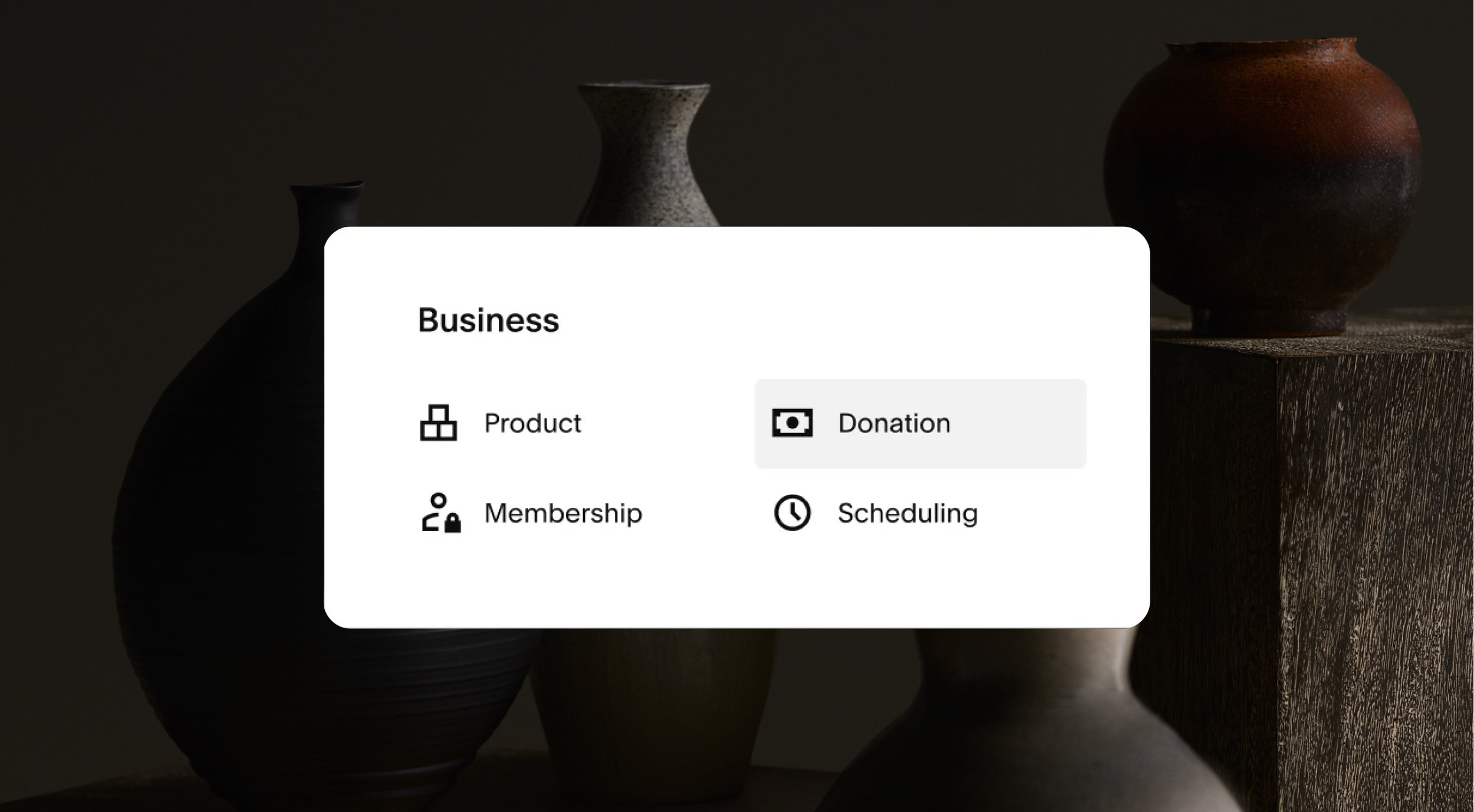
Q&A: Accepting donations on your Squarespace site
Detailed walkthroughs of recently refreshed donation features, with Adam Parks (Senior Product Manager).